
Feedback arrives while the experience is still fresh.

Qodeup Reviews invites guests to leave feedback and a comment after payment with Pay at Table. The venue can collect feedback in the dashboard and, depending on setup, direct the guest to Google.
The problem it solves

When feedback is requested long after a visit, the experience is less present and responding feels less natural.
What changes with Qodeup

The invitation appears when payment is complete, while the guest has just finished their journey at the venue.
Why Qodeup
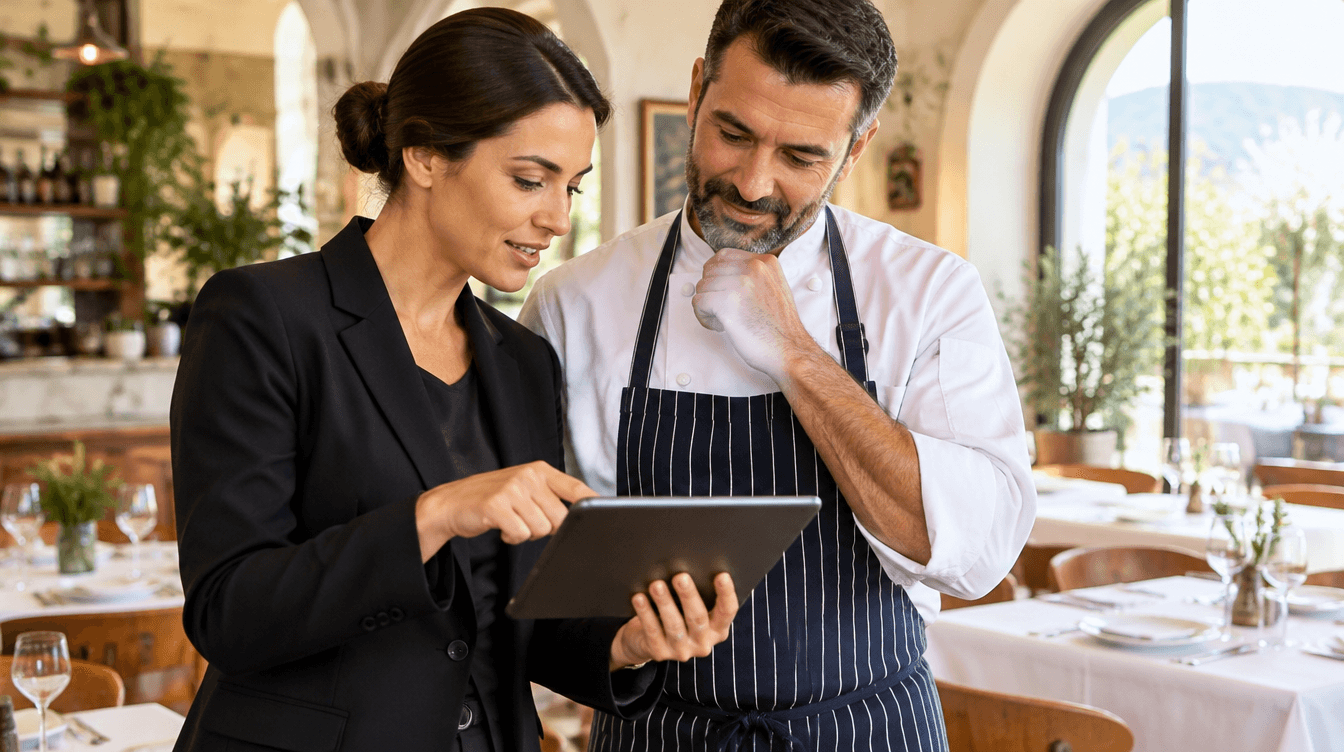
Staff do not need to remember to ask for a review: the flow starts from digital payment.
How it works
How Qodeup Reviews work.
 1
Complete payment
The guest finishes the Pay at Table journey on their smartphone.
 2
Collect feedback
They can then leave a comment and rating in the configured journey.
 3
Read and act
The venue reviews responses in the dashboard to understand what to improve.
Inside the product
How it behaves during service.
Feedback and comments can be viewed in a dashboard page.
AI-assisted reading can help identify recurring themes in collected comments.
FAQ
Frequently asked questions
When is feedback requested?
The invitation appears after a Pay at Table payment, while the restaurant experience is still recent.
Can guests leave an internal comment?
Yes. The journey can collect a rating and comment for the venue to review in the dashboard.
Can reviews direct guests to Google?
Yes, when included in the venue setup and in accordance with the platform’s policies.
Next step
See this setup in your operating flow.
Share format, venues, POS and priorities so the team can prepare a relevant demo.