
Menu, ordering and payment in one table-side journey.
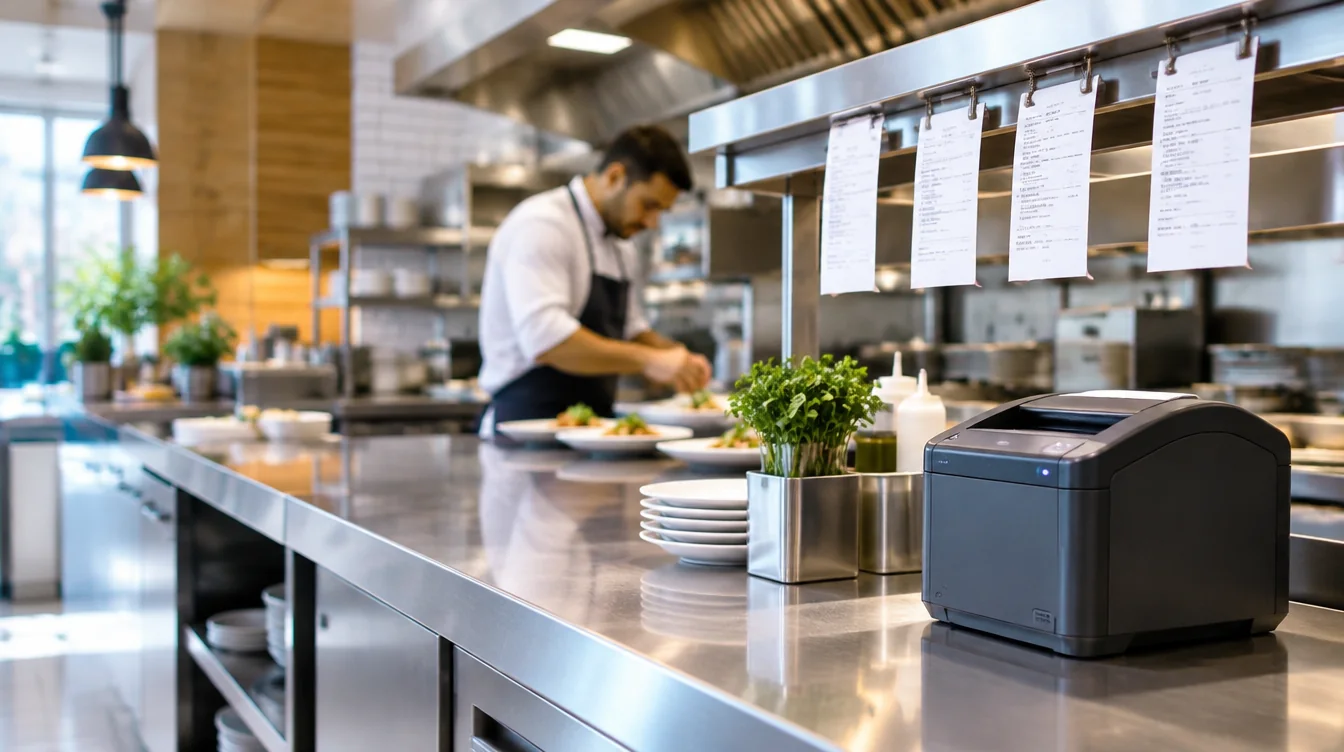
Qodeup Order & Pay is a QR-code digital ordering system that lets restaurant guests browse the menu, place orders and pay from their own device, with orders routed into the venue's operating flow.
The problem it solves
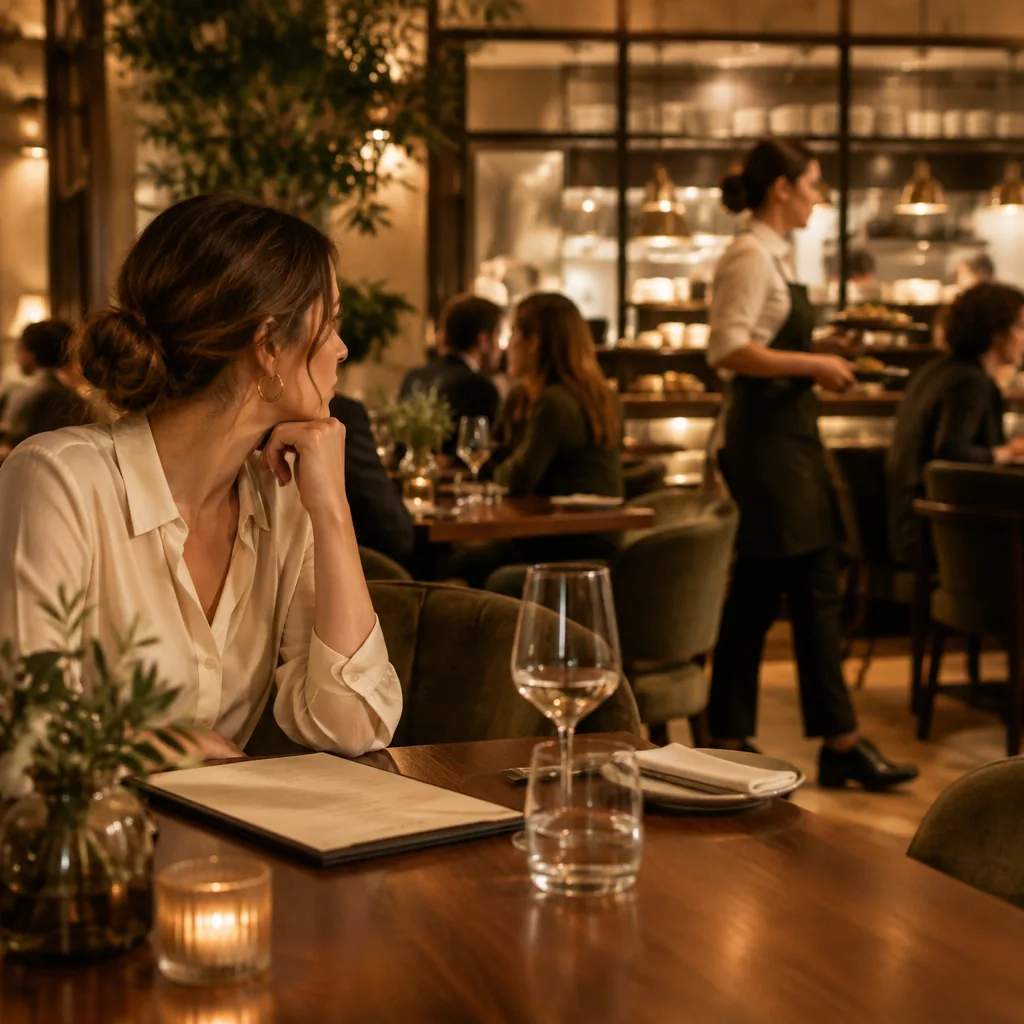
During peak times, taking and re-entering every order slows service and can make reordering harder.
What changes with Qodeup
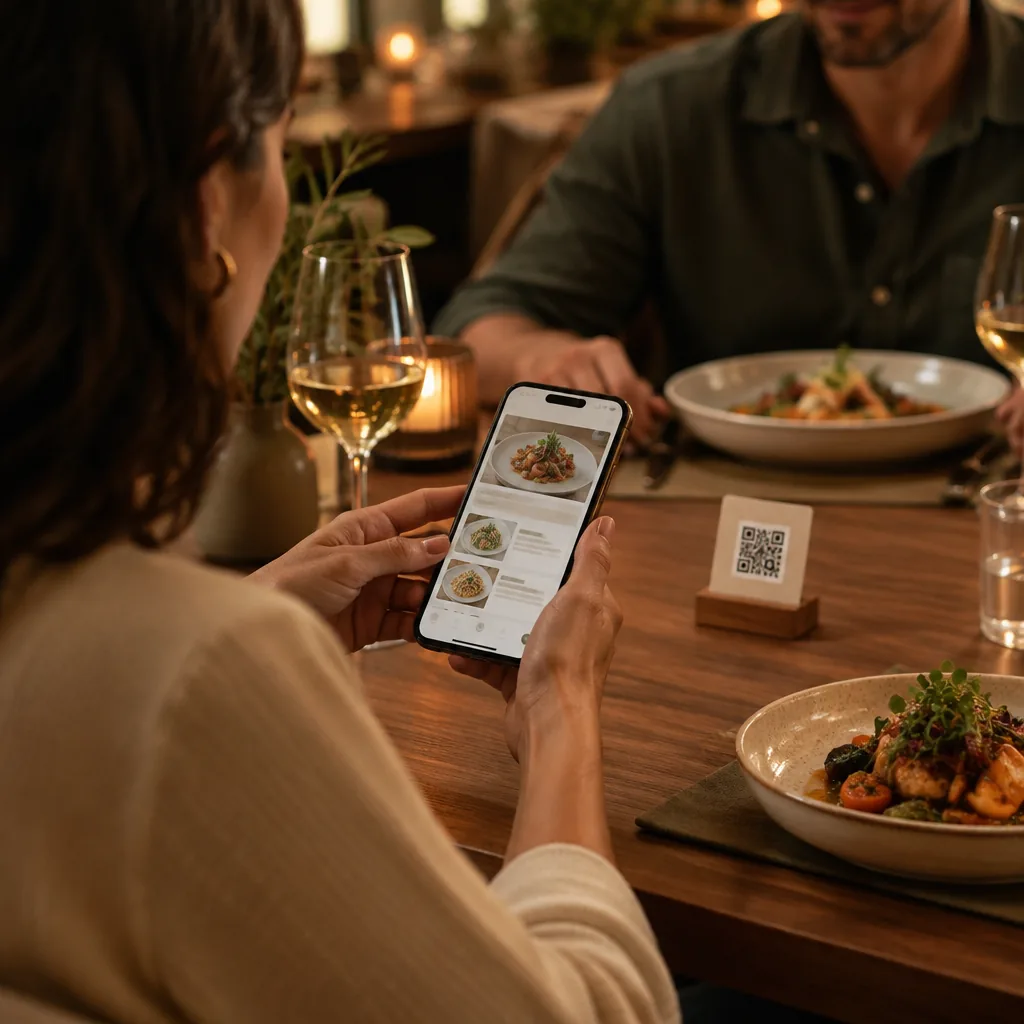
Customers open the menu from a QR code, order by phone and pay under the venue's chosen service model. Orders reach configured production points.
Why Qodeup
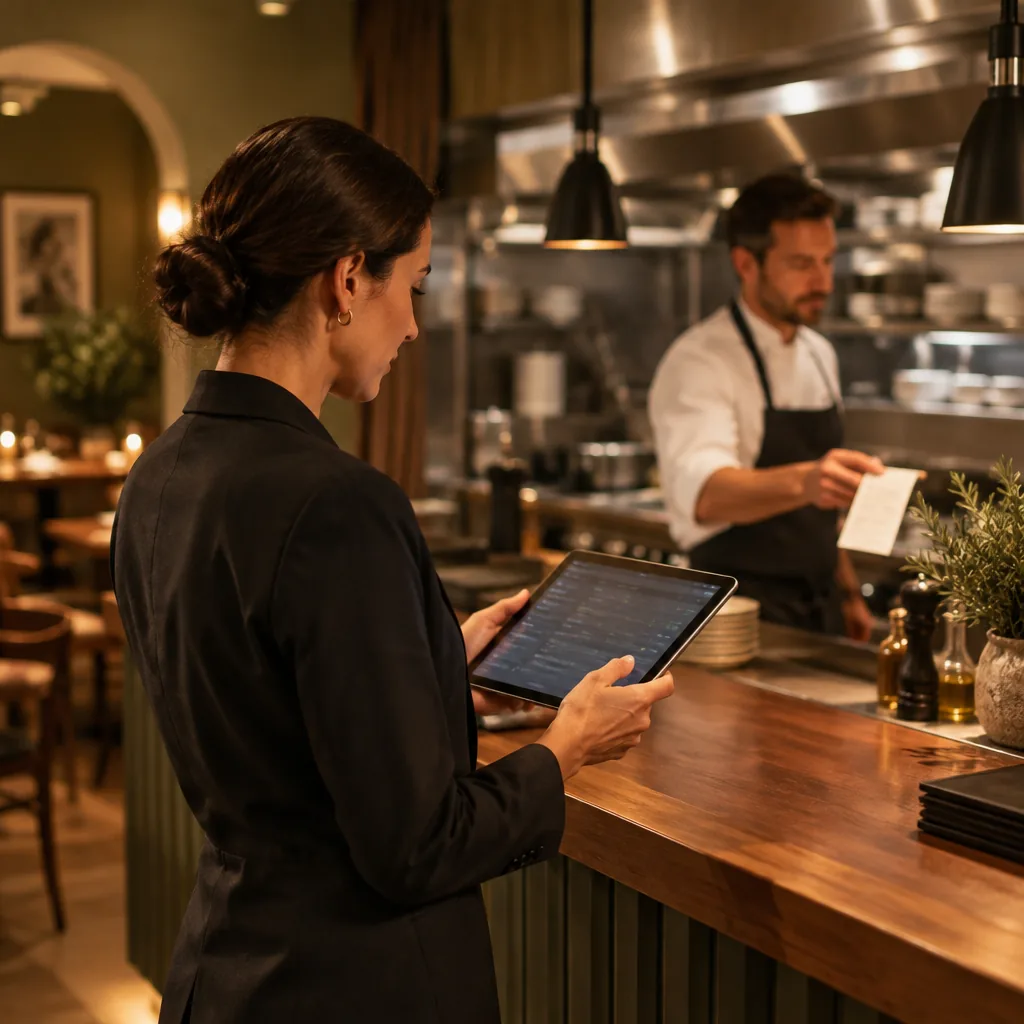
Qodeup connects the menu, order and payment to point-of-sale software or runs as a stand-alone setup.
How it works
From menu to kitchen in one journey.
 1
1Browse
Customers scan the QR code to browse menu information and availability.
 2
2Order
Orders reach the configured production points.
 3
3Pay
Customers pay by phone under the venue's chosen service model.
Order & Pay
Point-of-sale integrated or standalone.
Order & Pay changes with the format while keeping a readable path from menu to production.
Menu, variants and availability build a coherent basket before submission.
Contextual suggestions can support upselling without interrupting the choice.
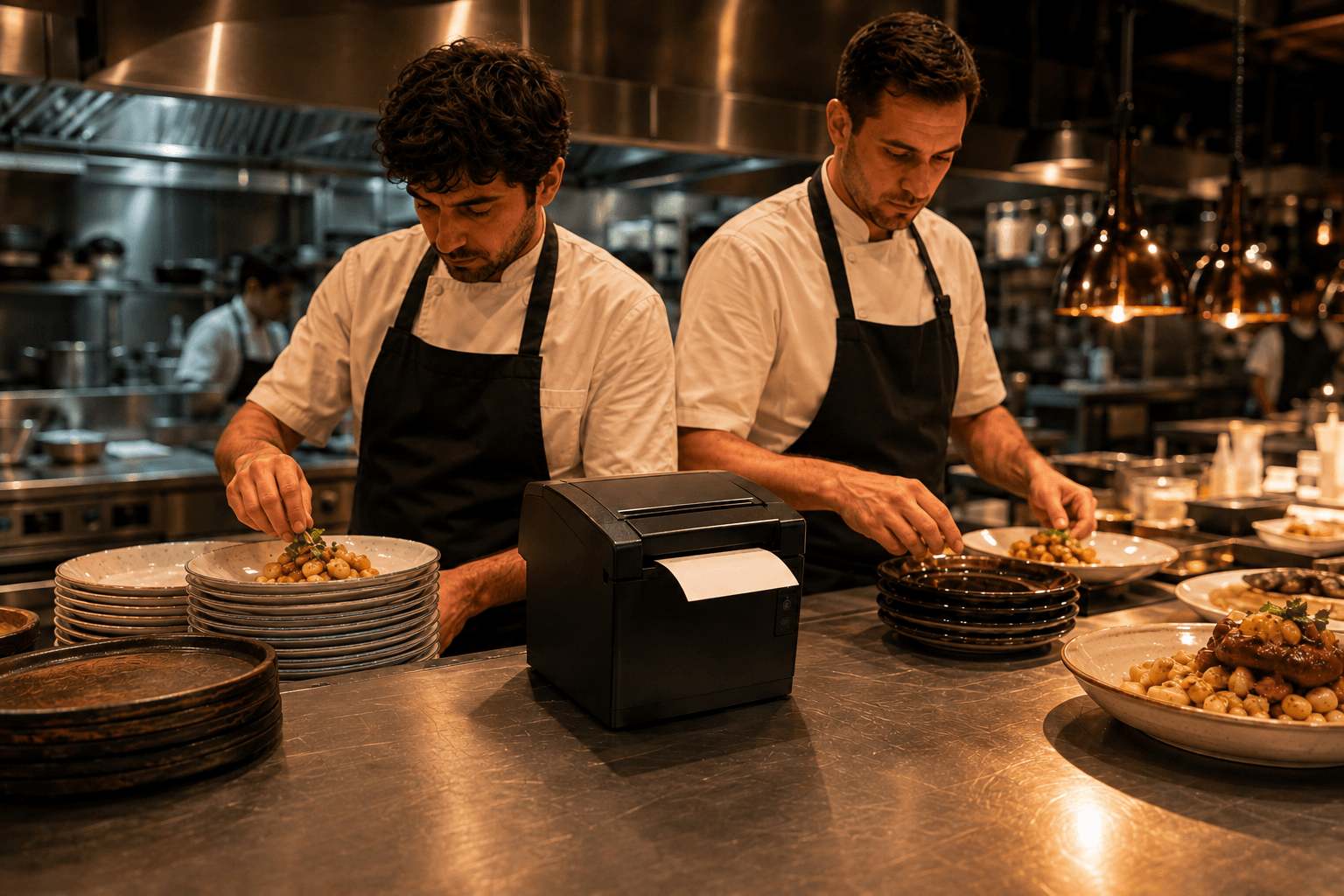
Orders route to different printers and production points.
Plug-and-play integration, payment methods and pay-later handling follow the venue’s chosen setup.
Inside the product
Flexible for table, counter and events.
Customers can order or reorder at the table, or pick up at the counter.
Products, variants and availability are managed in the digital menu.
Contextual suggestions can offer relevant additions to the basket.
The venue keeps control over products, pricing and payment rules.
FAQ
Frequently asked questions
Does Order & Pay require an app?
No. Customers open the menu and order in their browser through a link or QR code.
Do orders go directly to production?
Yes. Orders reach configured points such as the kitchen, bar or till. Order & Pay can integrate with point-of-sale software or run as a stand-alone setup.
Can a sold-out item be disabled?
Yes. Availability can be updated in the menu management system so unavailable items are not offered.
Next step
Bring menus and orders into your service flow.
Find the setup that fits your menu, service and production points.