
The bill, settled without keeping anyone waiting.

Qodeup Pay at Table lets restaurant guests scan a QR code, view the bill, split payment, add a tip and pay directly from their smartphone without downloading an app.
The problem it solves
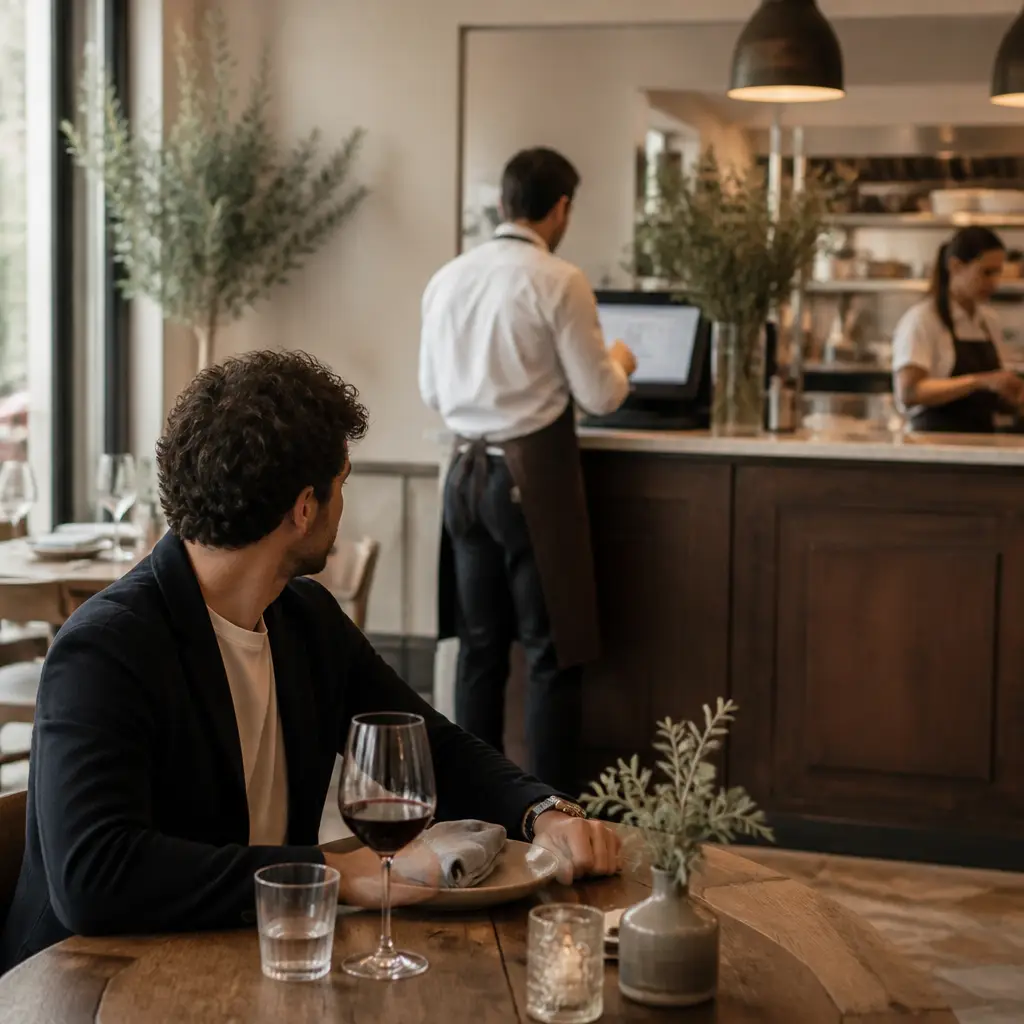
To pay, guests no longer need to ask for the bill or wait for staff.
What changes with Qodeup
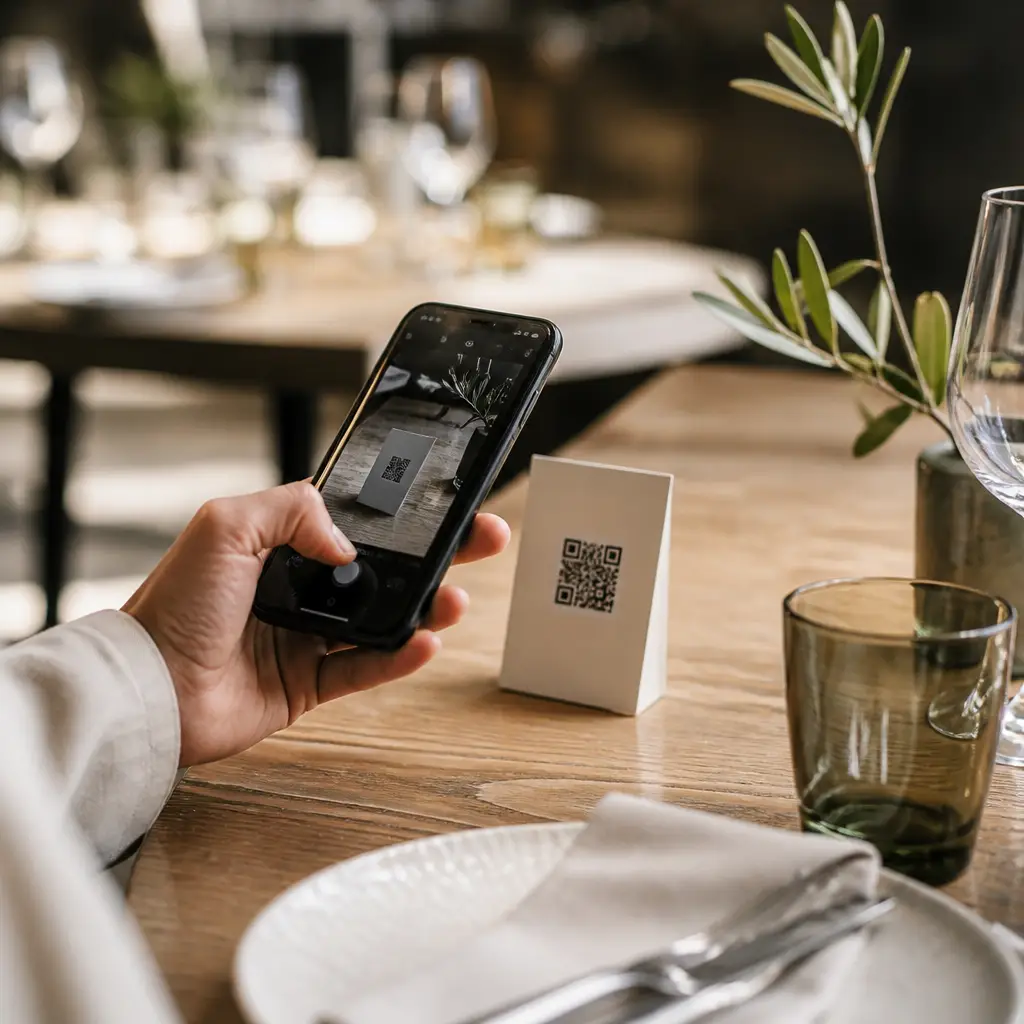
With a QR code, each guest opens the bill, chooses what to pay and completes payment on their phone.
Why Qodeup
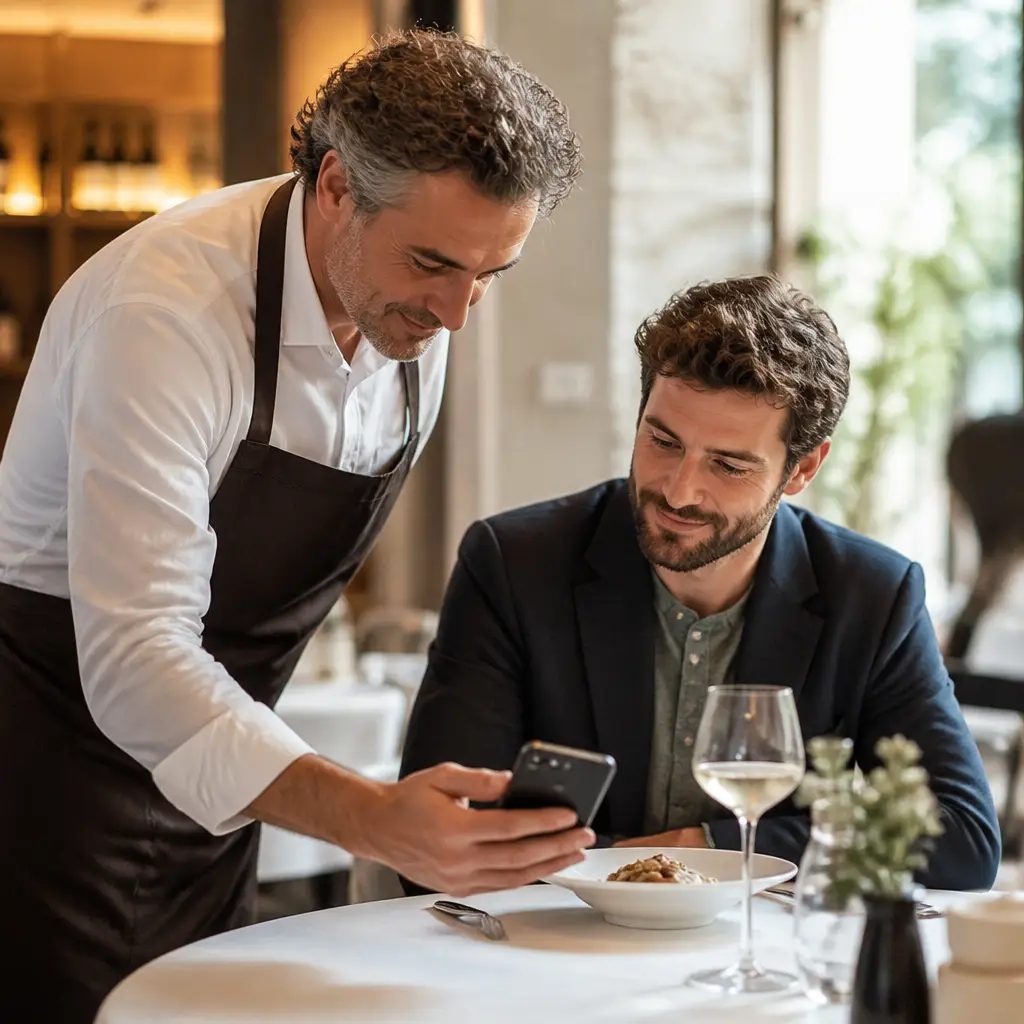
The bill updates in the point-of-sale as the guest pays in their browser, with no app to install.
How it works
Three gestures from table to payment.
 1
1Scan
The QR code opens the digital bill linked to the table.
 2
2Split
The guest selects items, a share or a custom amount.
 3
3Pay
The customer can pay by card, digital wallet or meal voucher and view the digital receipt.
Pay at Table
What the guest sees, in the right order.
The journey starts from the live table bill and continues through the moment after payment.
An updated bill and protection when several guests select the same item.
Split the full bill, the remaining amount, equal shares, a custom amount or individual items.
Tips and payment methods appear according to the venue configuration.
A non-fiscal digital receipt, loyalty and reviews can continue the journey after payment.
Inside the product
More autonomy for guests, more time for the floor.
Payment is available when the guest is ready.
A review invitation appears at a natural point in the journey.
Responsive browser experience with no mandatory account.
Bill status updates to avoid duplicate payments and manual reconciliation.
FAQ
Frequently asked questions
Do guests need to download an app?
No. The flow opens in the browser after scanning the QR code.
Can several people pay the same bill?
Yes. Each guest can select items or amounts and the system updates what remains to be paid.
Which payment methods are available?
Availability depends on the venue setup and payment provider. Supported cards and wallets are checked during the demo.
Next step
Remove waiting from the final moment of service.
See how Pay at Table can fit the flow of your venue or group.