
Payment details stay one QR code away.
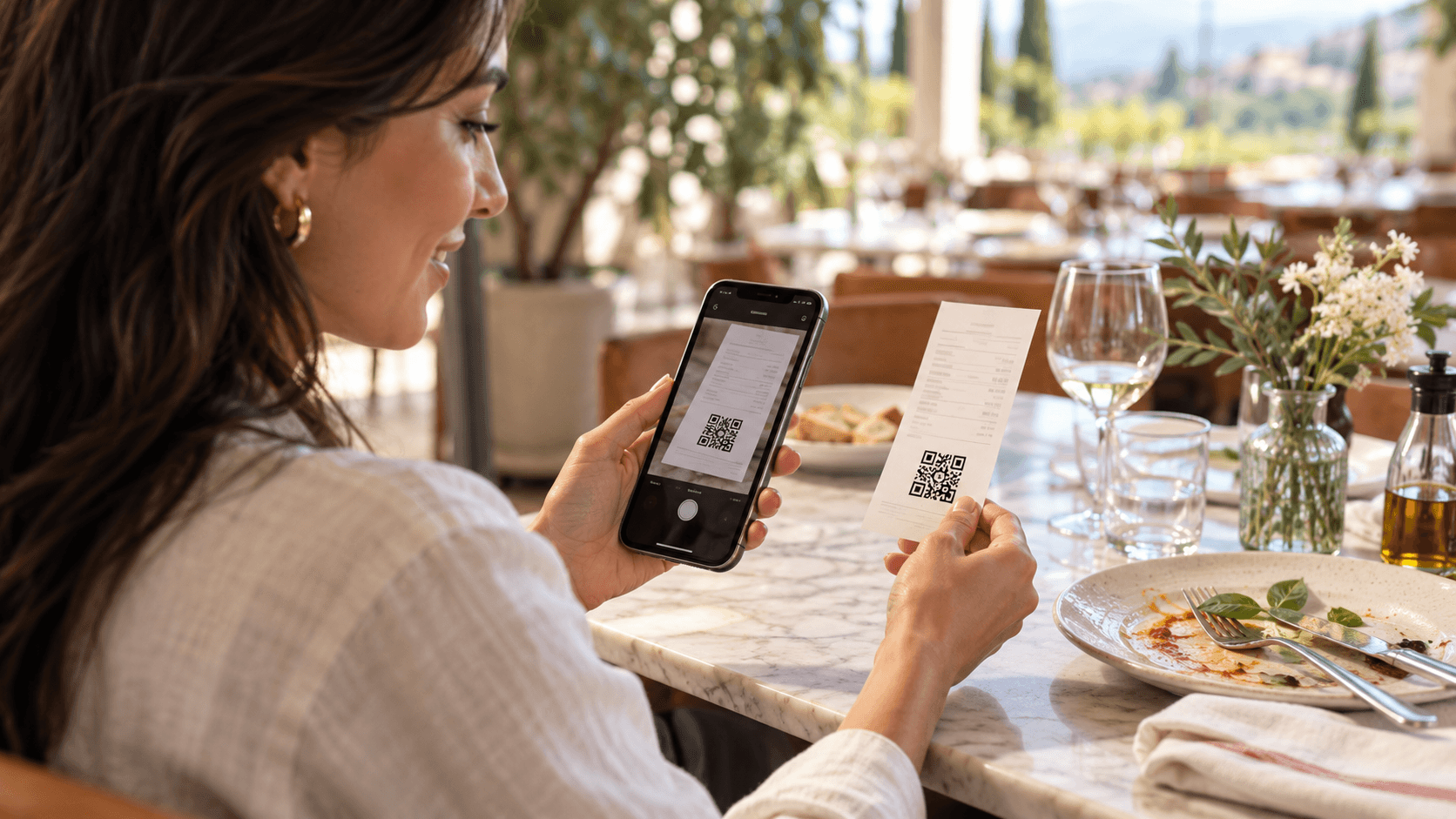
The Qodeup Digital Receipt is a web page opened through the QR code printed on the non-fiscal receipt. It summarises payment details and, depending on setup, can continue the journey with loyalty or reviews.
The problem it solves

A courtesy receipt can be lost, while guests who need to find a payment often return looking for its details.
What changes with Qodeup
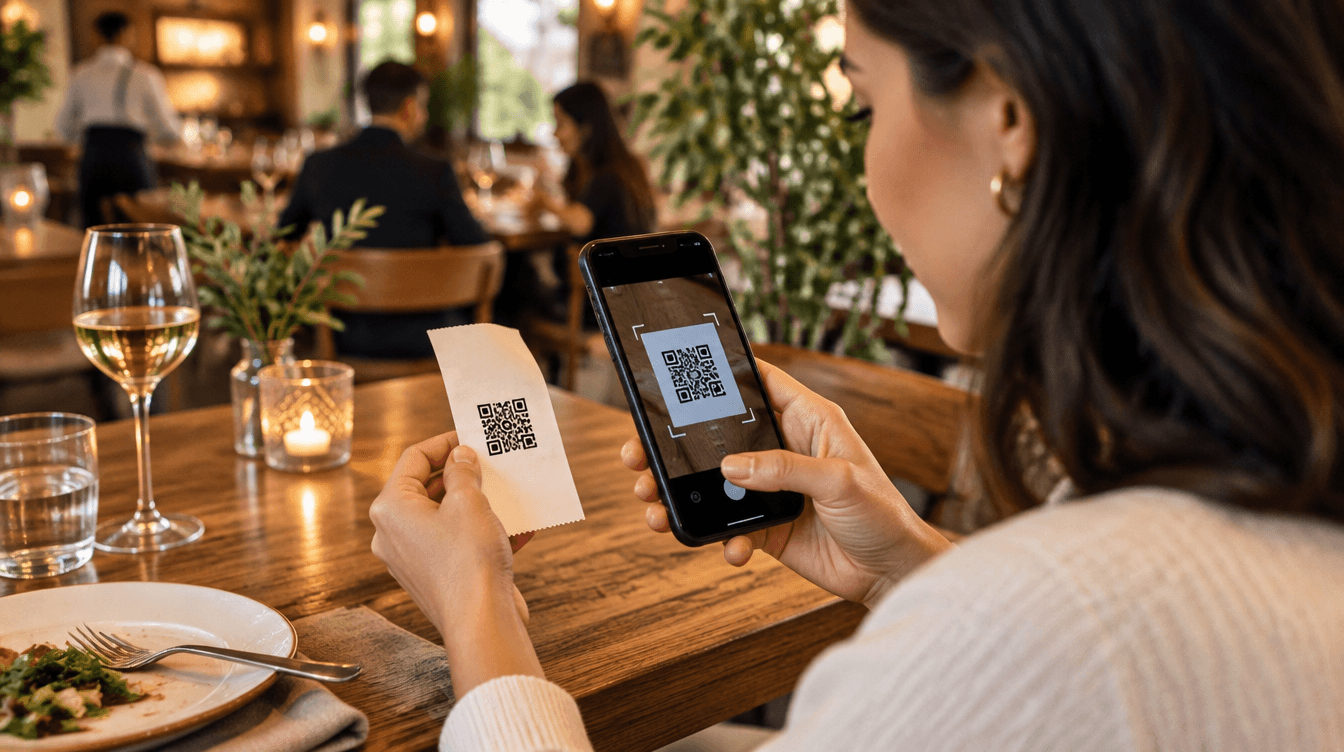
After payment, the guest scans the QR code on the non-fiscal receipt and opens a summary on their phone.
Why Qodeup

The summary belongs to the same payment journey, with no app or mandatory registration required.
How it works
How the Digital Receipt works.
 1
Complete payment
The guest finishes payment in the journey available at the venue.
 2
Scan the QR code
The QR code printed on the non-fiscal receipt opens the digital page.
 3
Find the details
A payment summary and active options remain available on the guest’s phone.
Inside the product
How it behaves during service.
It does not replace the fiscal document: it sits alongside the receipt as a clear digital summary.
Loyalty and the review invitation can appear after payment when enabled by the venue.
FAQ
Frequently asked questions
Does the Digital Receipt replace the fiscal document?
No. It is a digital payment summary and does not replace the fiscal document.
Is an app required to open it?
No. Guests scan the QR code printed on the non-fiscal receipt and open the page in their browser.
What can guests find after payment?
The page summarises payment details and can include loyalty or a review invitation, depending on the venue setup.
Next step
See this setup in your operating flow.
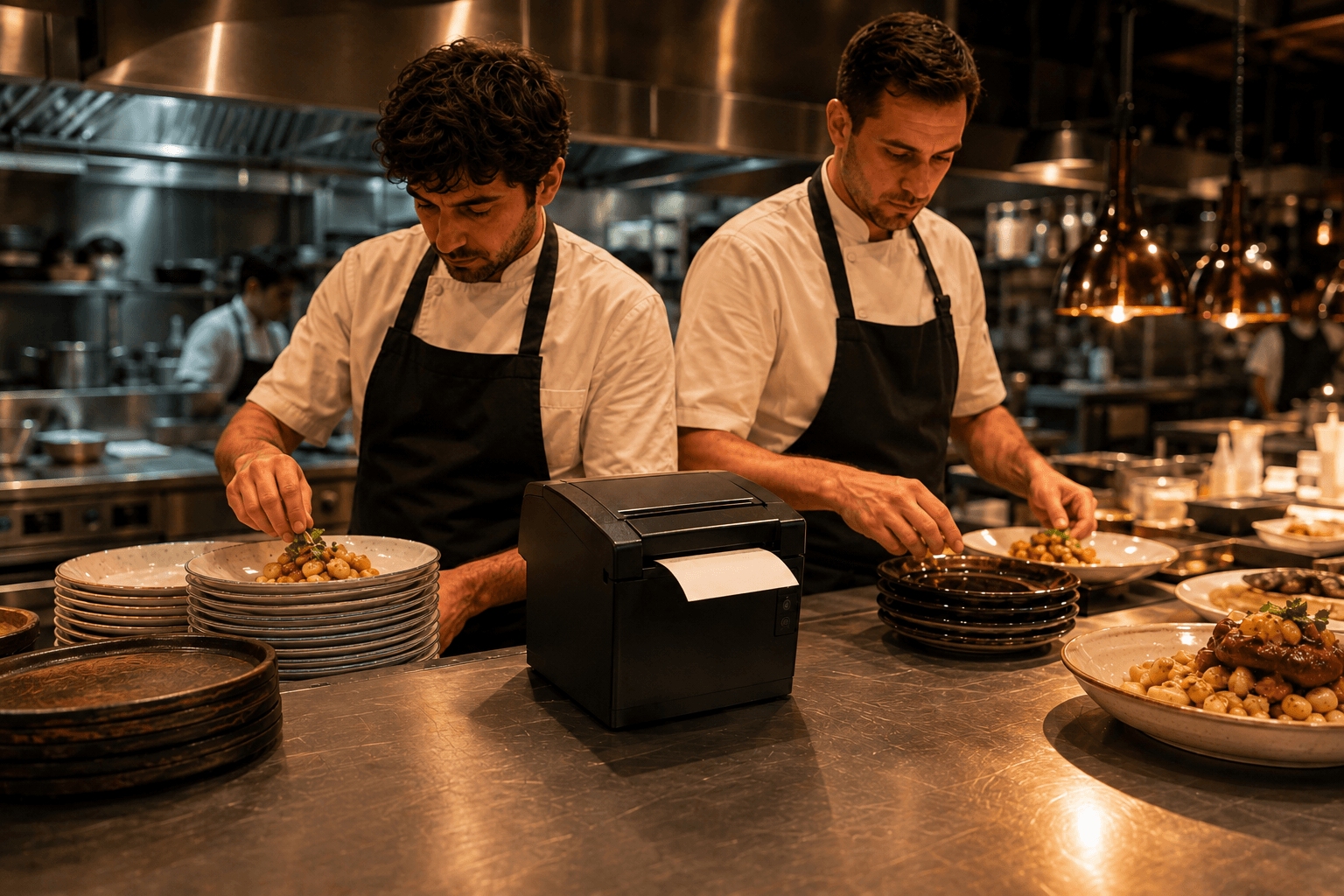
Share format, venues, POS and priorities so the team can prepare a relevant demo.