
Tips appear at the right moment, without asking out loud.

Qodeup Digital Tips let guests add a tip during payment, in Pay at Table and in the Terminal modes where the feature is enabled.
The problem it solves

Asking for a tip out loud can make both staff and guests uncomfortable, so the moment is often missed.
What changes with Qodeup
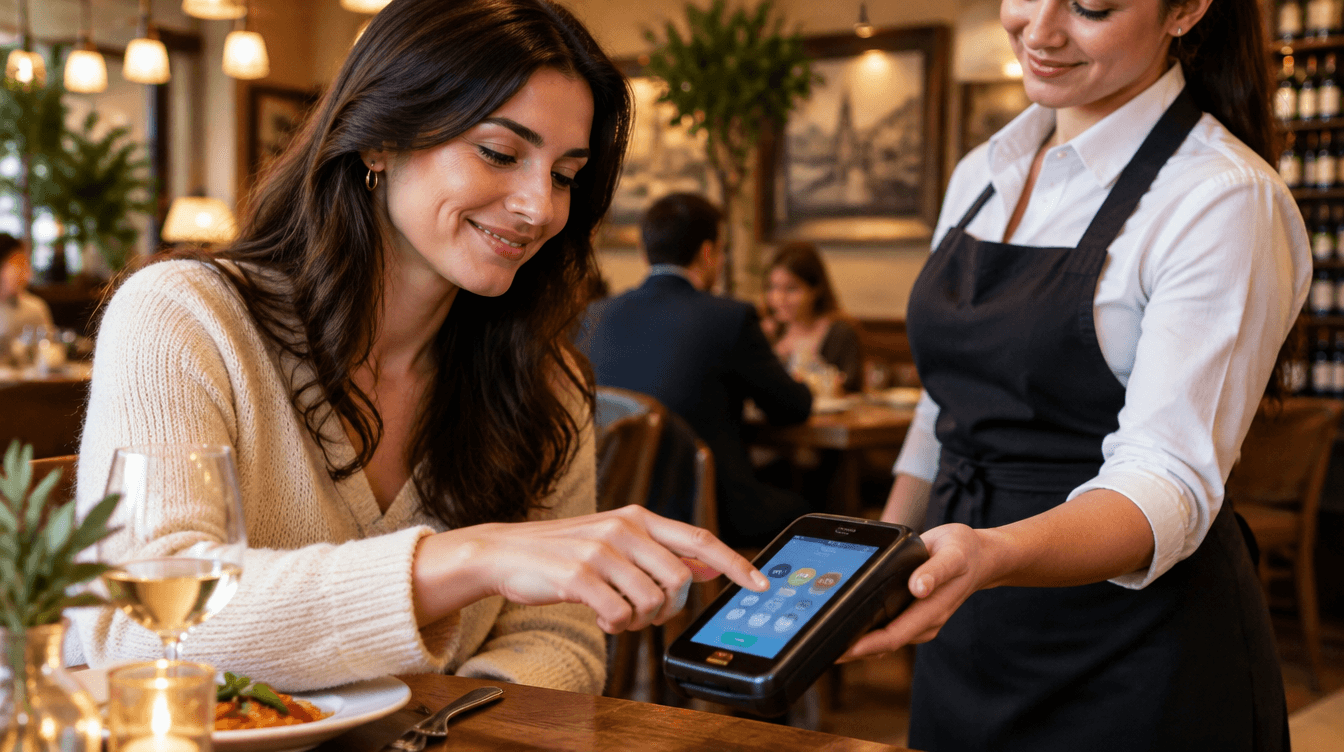
The option appears at payment: guests can choose an amount, where available, or continue without leaving a tip.
Why Qodeup

The venue decides where to enable the feature and how to present it, by channel and service type.
How it works
How Digital Tips work.
 1
Configure the option
The venue chooses the channels and options to show during payment.
 2
The guest chooses
The tip option appears in the payment journey without an out-loud request.
 3
Review the data
Tips are available in the view defined by the setup.
Inside the product
How it behaves during service.
Tips can be read separately from payment revenue within the configured data scope.
Administrative and tax obligations remain with the responsible party.
FAQ
Frequently asked questions
Where are Digital Tips available?
They are available in Pay at Table and in the Terminal modes where the feature is enabled, according to the venue setup.
Is the guest required to leave a tip?
No. A tip is the guest’s choice: they can select a suggested amount or continue without adding one.
Are tips separate from payment revenue?
They can be reviewed separately in the configured data scope. Administrative and tax obligations remain with the responsible party.
Next step
See this setup in your operating flow.
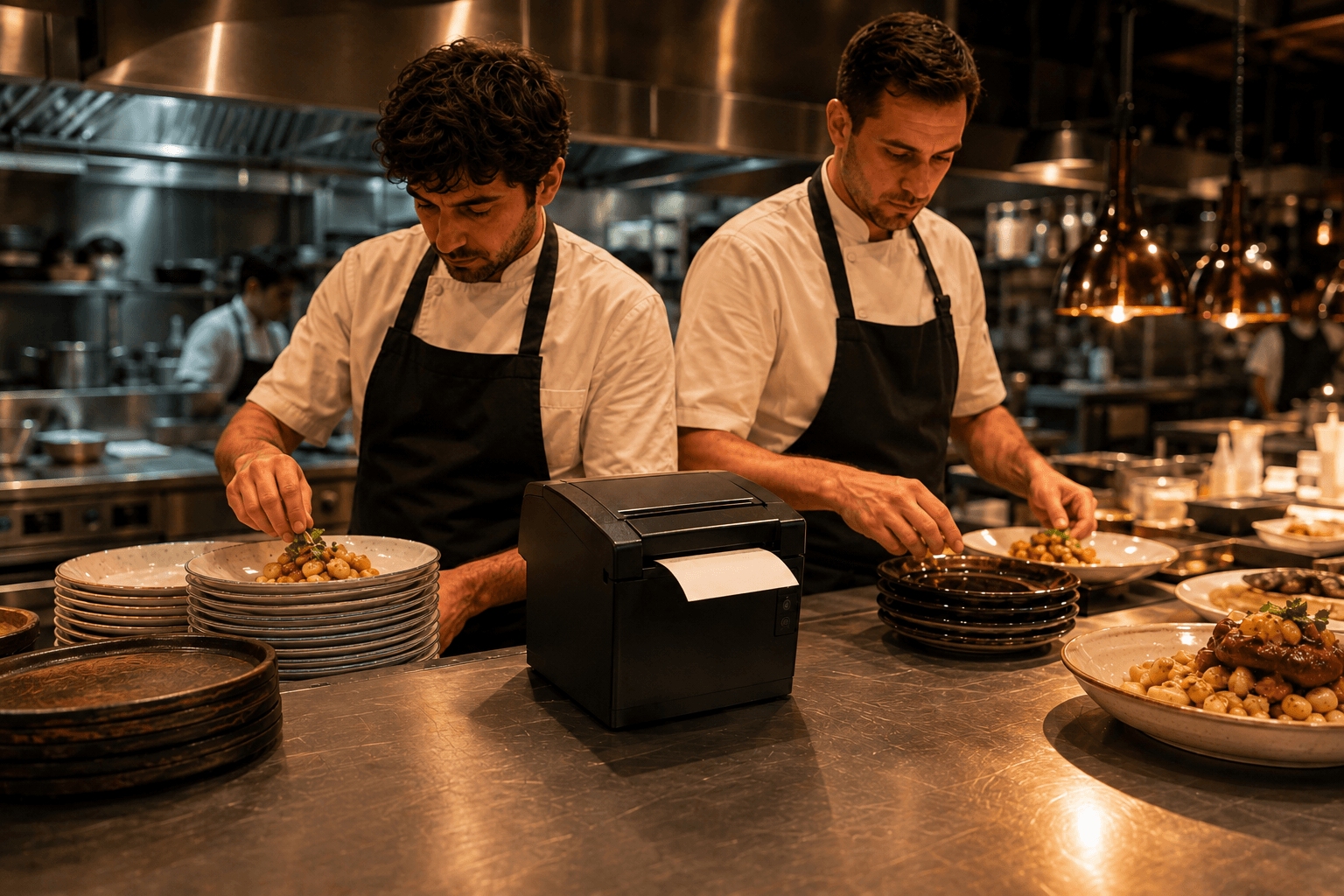
Share format, venues, POS and priorities so the team can prepare a relevant demo.