
Every second at the till multiplies by the queue.
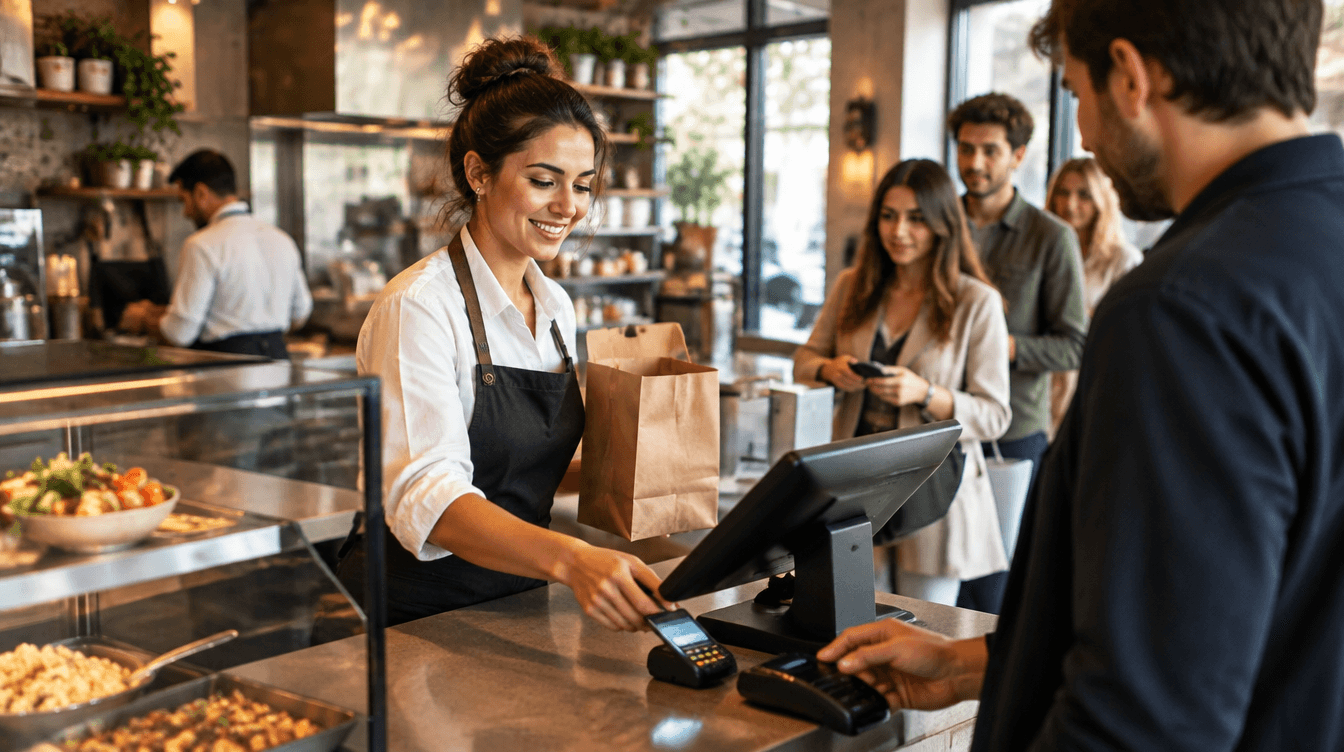
Qodeup for quick service coordinates menu, ordering, payment, upselling and production routing to reduce handovers during queues.
The problem it solves

In quick service the queue is the product: every second at the till multiplies by everyone in line.
What changes with Qodeup

Ordering and payment get shorter, and orders arrive already routed to production points.
Why Qodeup
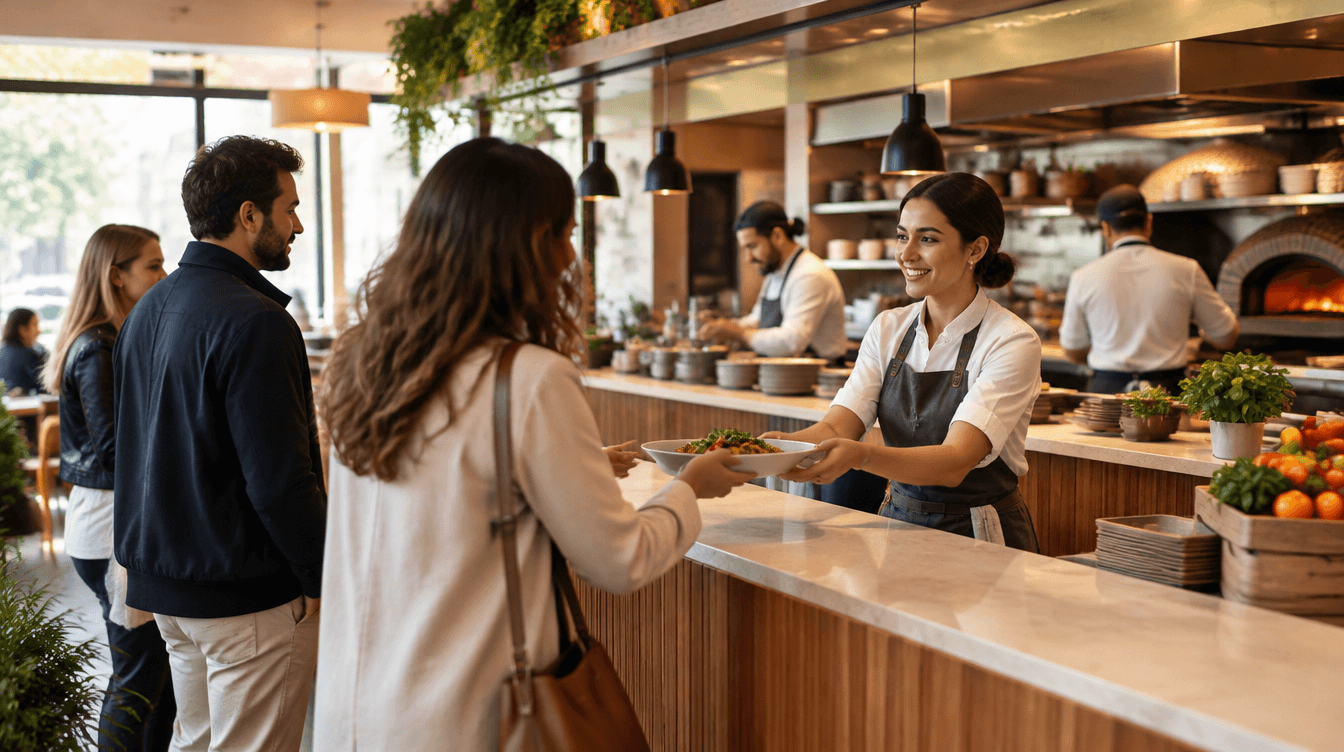
The same configuration handles the lunch peak and the quiet afternoon without changing tool.
How it works
How to shorten the counter journey.
 1
Show what is needed
The menu and active options make the choice faster before the counter.
 2
Collect order and payment
Staff or the guest complete the journey in the channel configured for that service point.
 3
Route to production
The order follows the intended production point without a separate handover to rebuild.
Inside the product
How it behaves during service.
Seasonal staff meet an interface that can be learned in one shift.
FAQ
Frequently asked questions
Can Qodeup handle ordering and payment in the same flow?
In configurations using Order & Pay, ordering and payment can be part of the same operating journey.
How do orders reach kitchen and bar?
Products and sections can be linked to the production points configured by the venue.
Is it suitable for seasonal staff?
The interface and journey are configured around real service; training and rollout are assessed in the project.
Next step
See this setup in your operating flow.
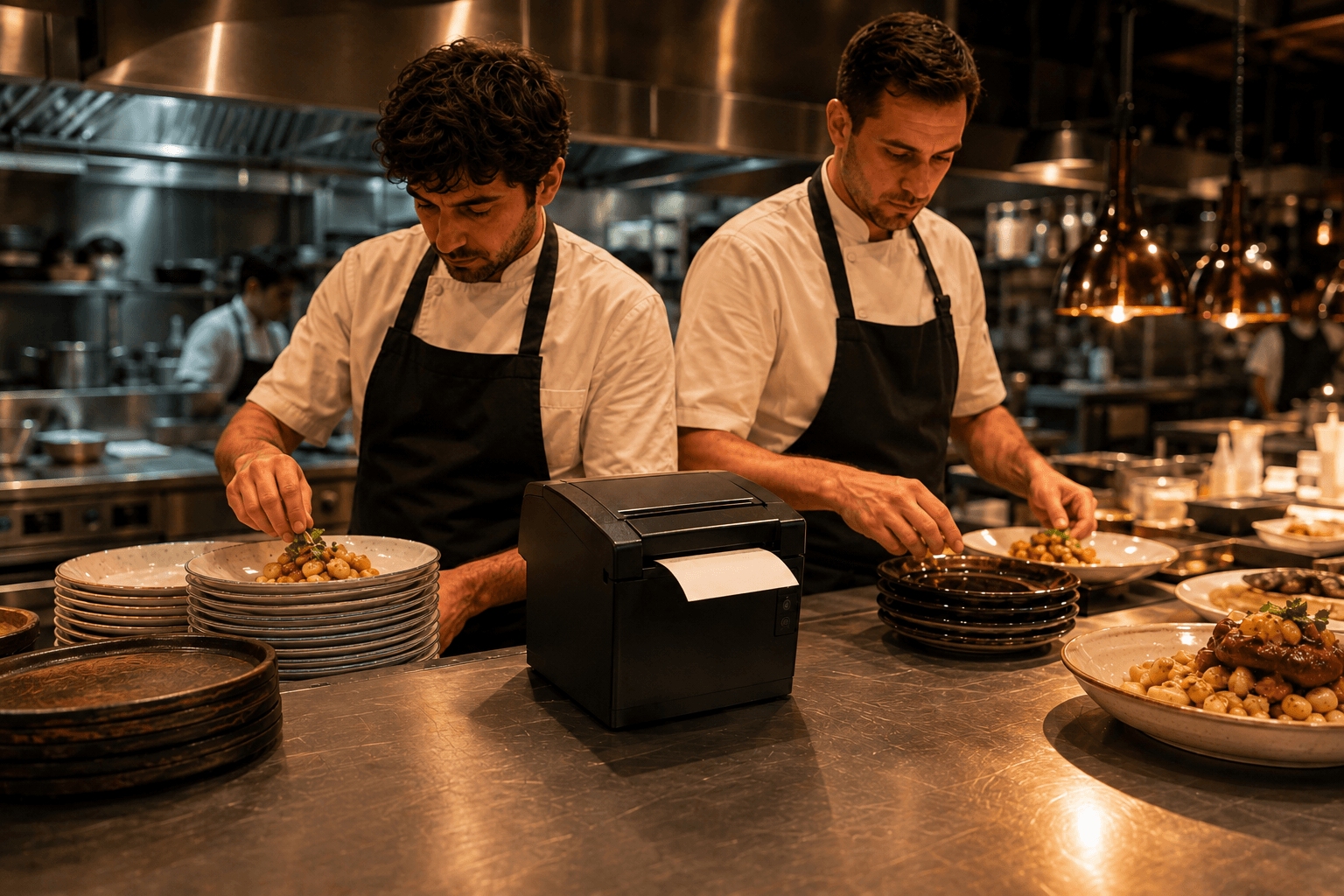
Share format, venues, POS and priorities so the team can prepare a relevant demo.