
The amount moves from the till to the Terminal, without retyping.

Qodeup Amount Exchange connects point-of-sale software to the Terminal: it sends the payment amount directly to the Terminal and returns the transaction outcome without manual re-entry.
The problem it solves

Retyping the amount from the till onto a Terminal adds a payment step and can create differences that are hard to trace.
What changes with Qodeup
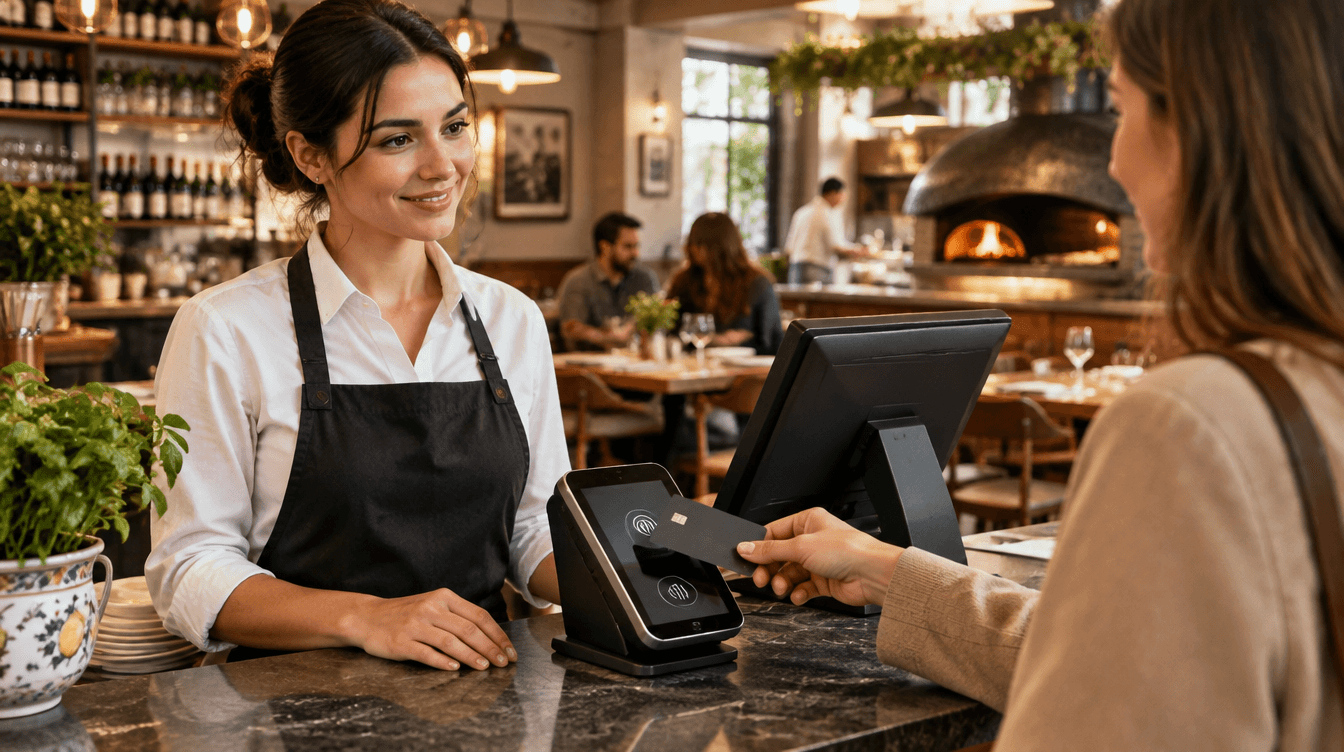
The till sends the amount to the Terminal, the Terminal completes payment and returns the outcome to the point-of-sale system.
Why Qodeup

Amount and outcome stay in one operating flow, so staff do not need to remember or retype a figure.
How it works
How Amount Exchange works.
 1
The till sends the amount
The point-of-sale system passes the amount to collect to the Terminal.
 2
The Terminal completes payment
The guest pays on the Terminal without staff having to key in the amount.
 3
The outcome returns to the till
The transaction result is returned through the configured point-of-sale flow.
Inside the product
How it behaves during service.
Payment starts from the amount already held in the point-of-sale system, according to the integration setup.
At the end of service, transaction outcomes are available through the agreed point-of-sale flow.
FAQ
Frequently asked questions
What is Amount Exchange?
It is the mode in which point-of-sale software sends the amount to the Terminal and receives the transaction outcome.
Does staff need to enter the amount on the Terminal?
No. In the Amount Exchange flow, the figure starts at the till and reaches the Terminal automatically.
Does Amount Exchange help reconciliation?
The amount and outcome are exchanged between the till and the Terminal. Reconciliation depends on the point-of-sale system and active setup.
Next step
See this setup in your operating flow.

Share format, venues, POS and priorities so the team can prepare a relevant demo.